bayudc-homelab
I have a server and this is how I build it.
The Hardware
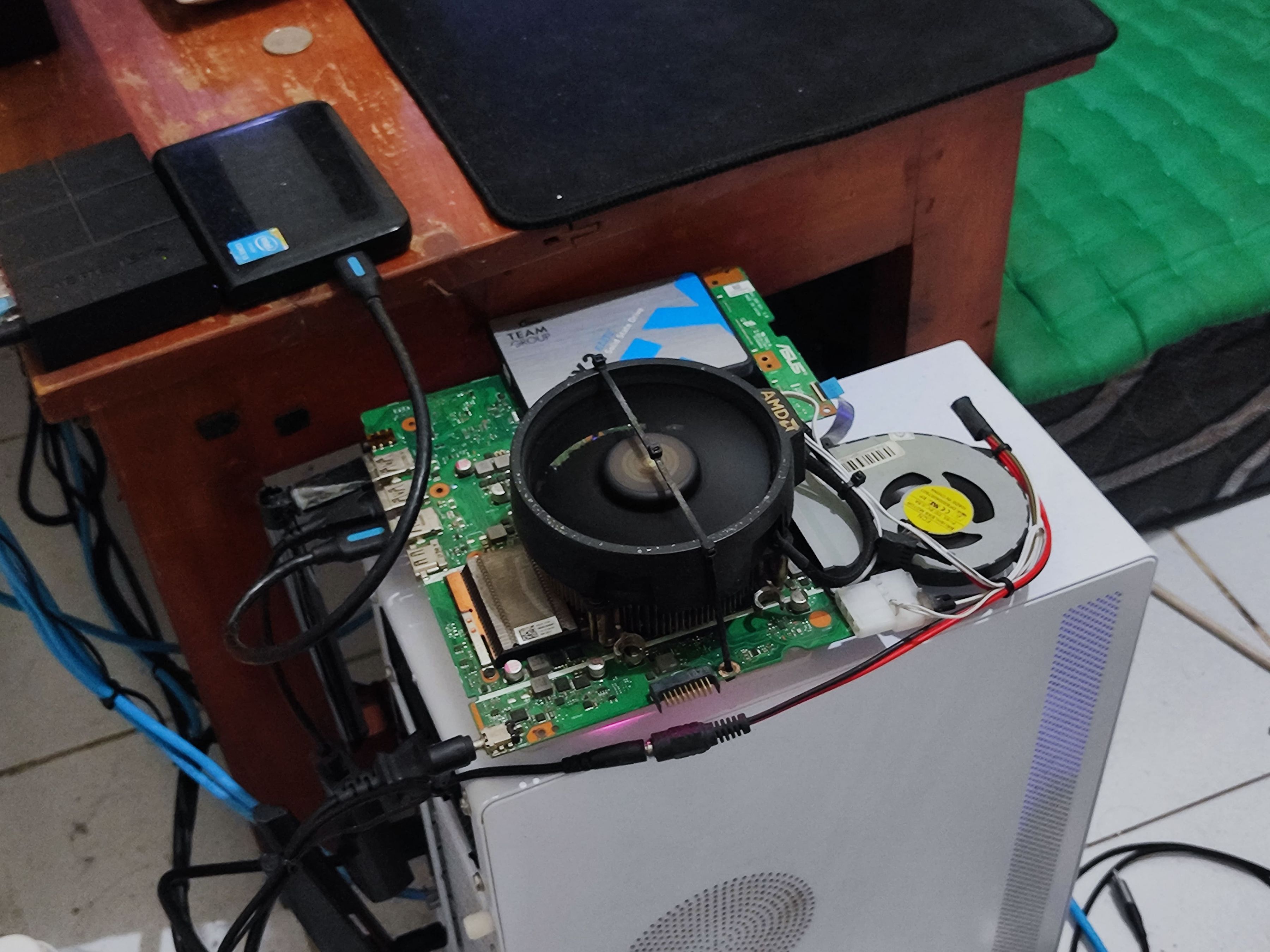
For this build, I repurposed the motherboard from my old ASUS laptop that was no longer in use. To improve thermal performance, I modified the cooling system by mounting an AMD stock heatsink on top of the laptop's original heatsink. The specifications include an Intel Core i5-8250U processor, 8GB of RAM, and a 512GB SSD.
Operating System
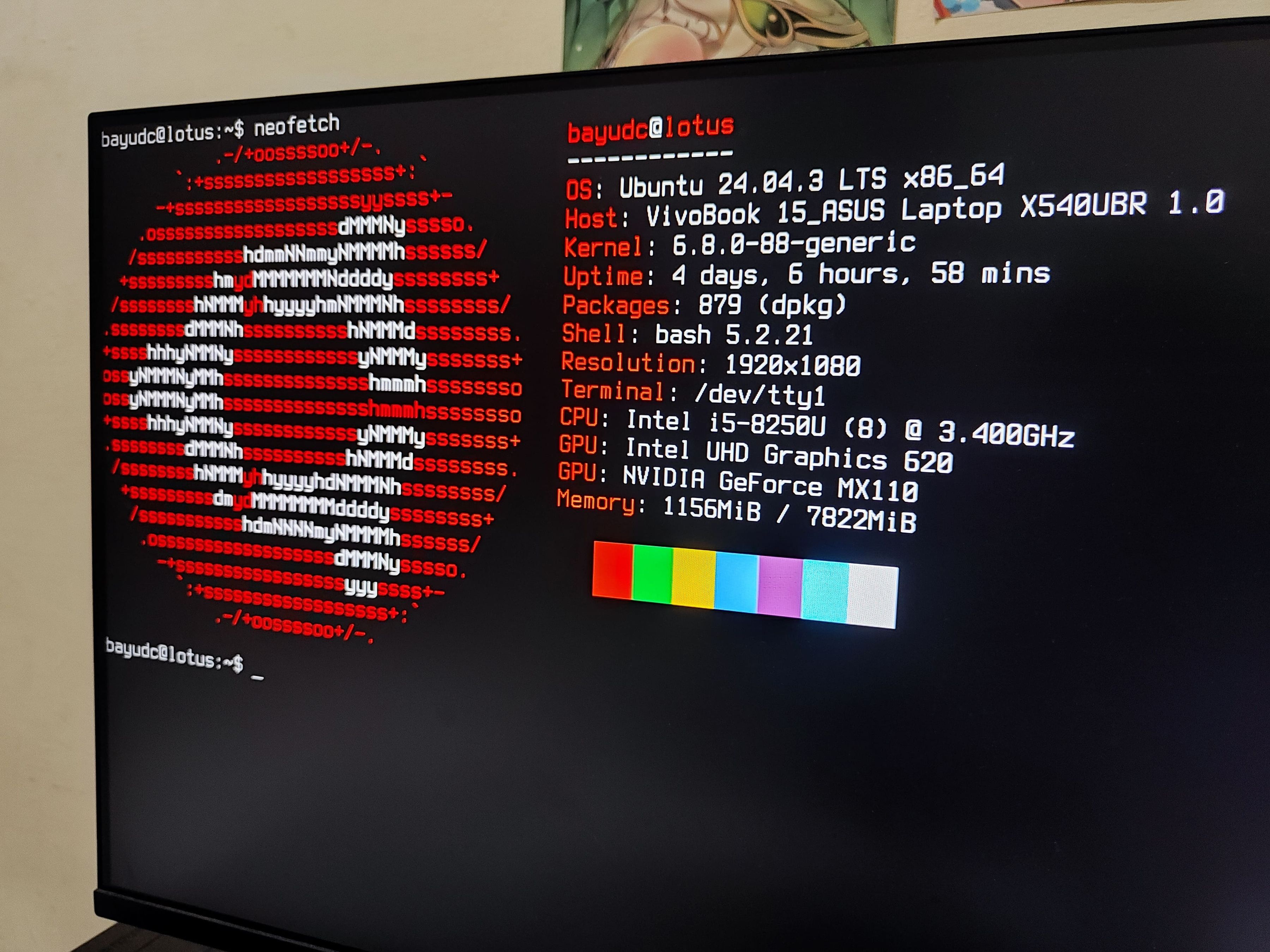
Since this is a server, I naturally chose a Linux-based operating system. I opted for Ubuntu Server 24.04 LTS without a graphical user interface to maximize system performance and minimize resource overhead. Additionally, I installed essential packages such as OpenSSH for secure remote access and Docker for efficient container management, enabling me to deploy and manage services with ease.
Networking
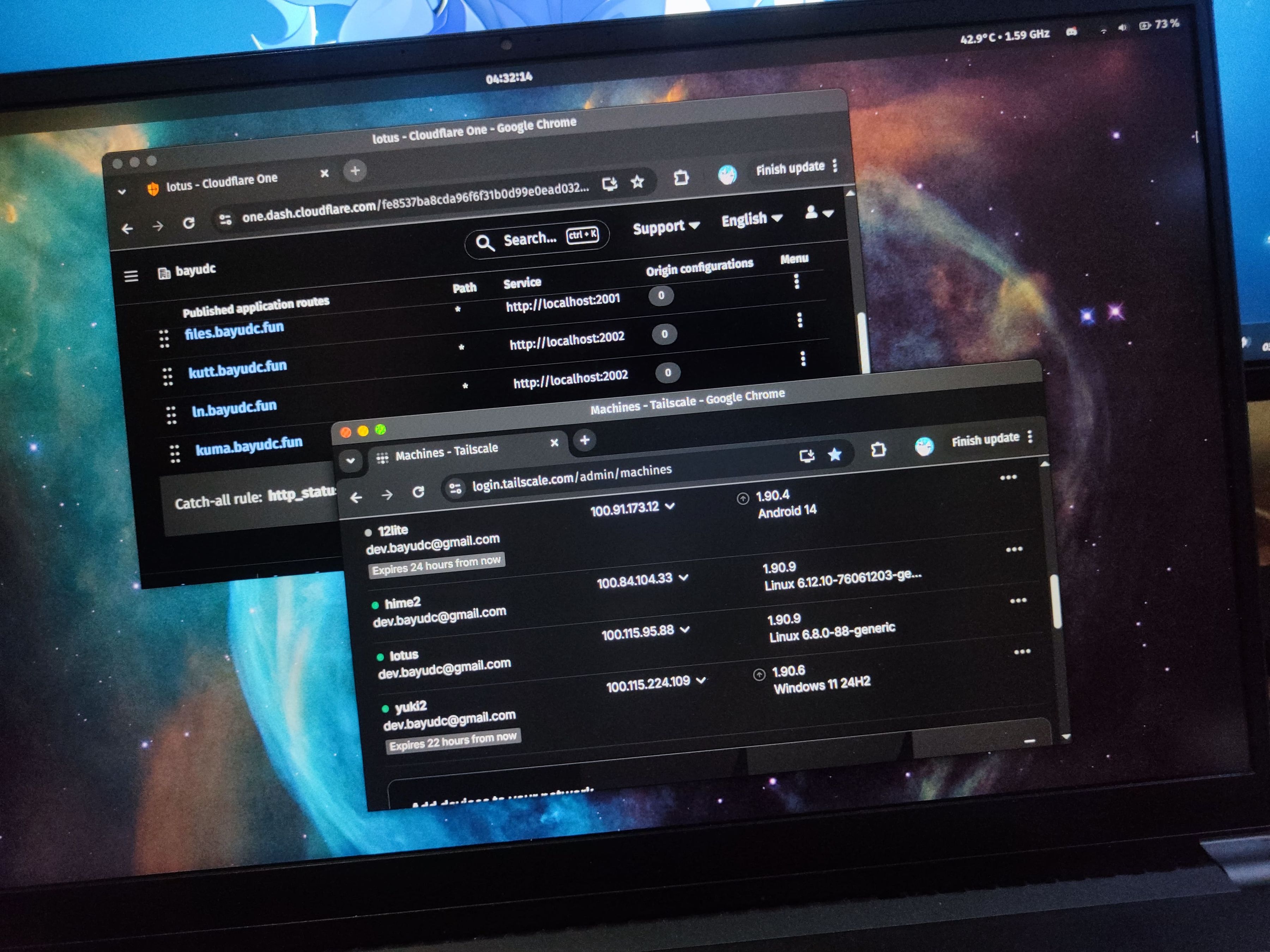
I use Cloudflare Tunnel to securely expose my local services to the public internet without the need for port forwarding or a static IP address. This setup allows me to access all my self-hosted applications from anywhere. For remote server administration, I rely on Tailscale as my VPN solution, enabling me to securely SSH into the server from any location through a private mesh network.
Services
Here are some self-hosted services I deploy on this server.
All of them are managed and deployed using Docker.
Filebrowser
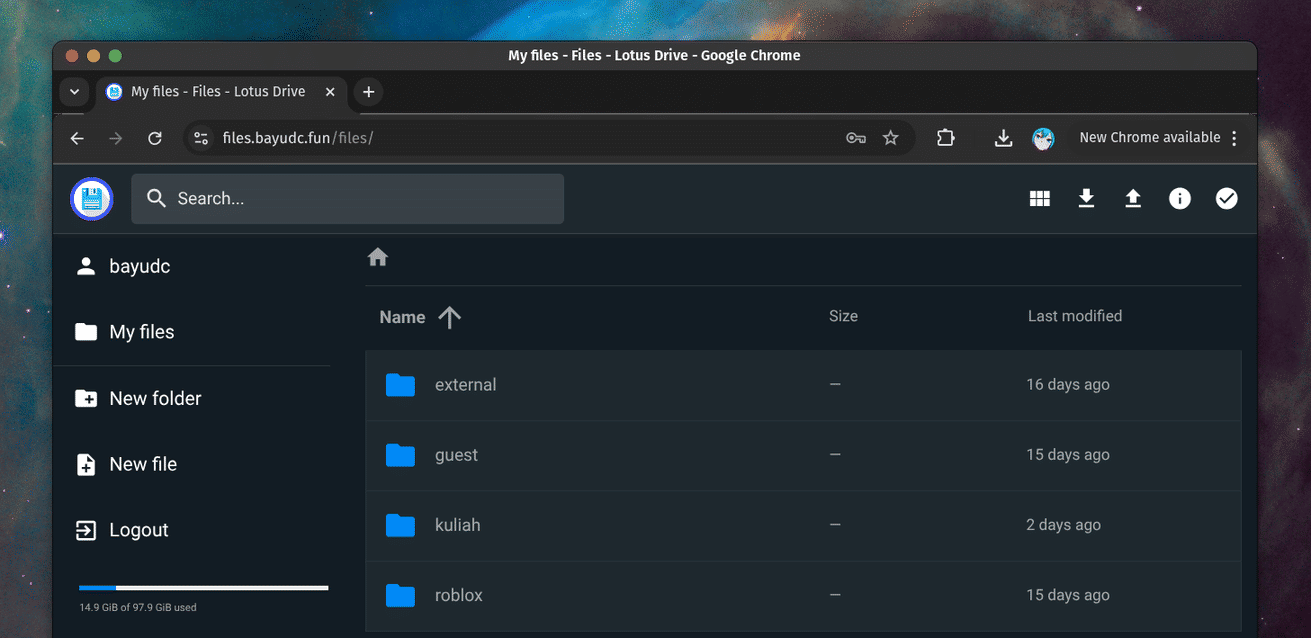
A web-based file manager that allows me to manage my files through a simple and intuitive interface.
https://files.bayudc.fun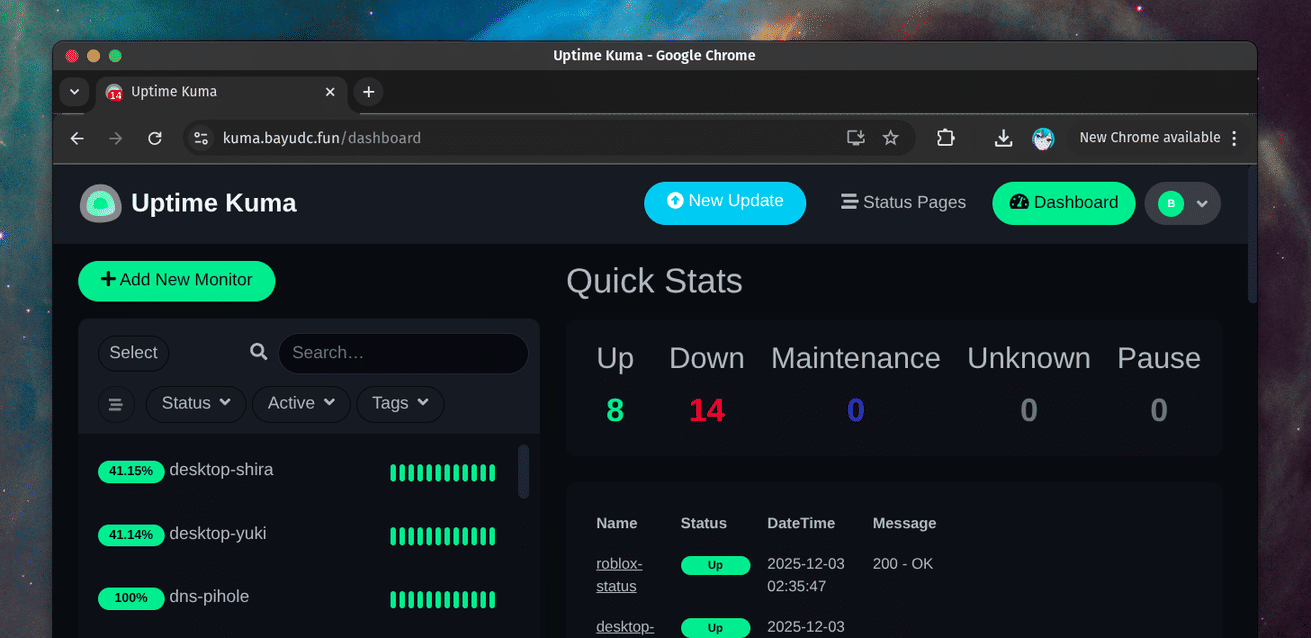
Uptime kuma
A self-hosted monitoring tool that helps me keep track of the uptime and status of my services.
https://kuma.bayudc.fun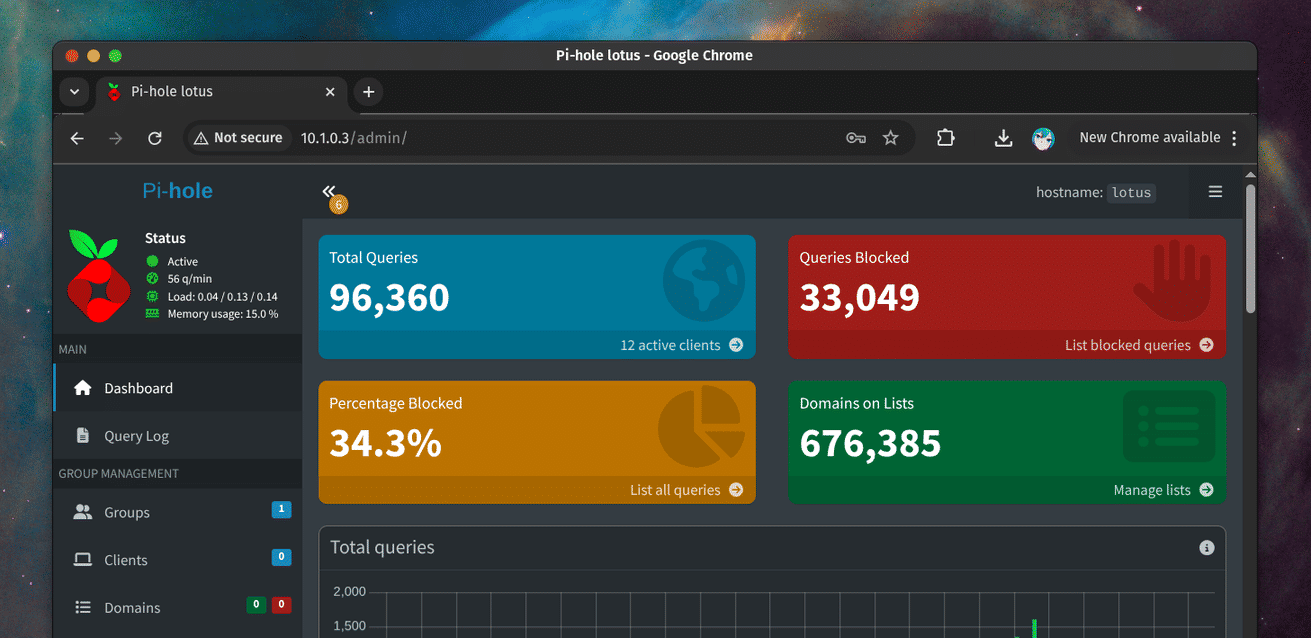
Pi-hole
A network-wide ad blocker that acts as a DNS sinkhole, improving my network's performance and security.
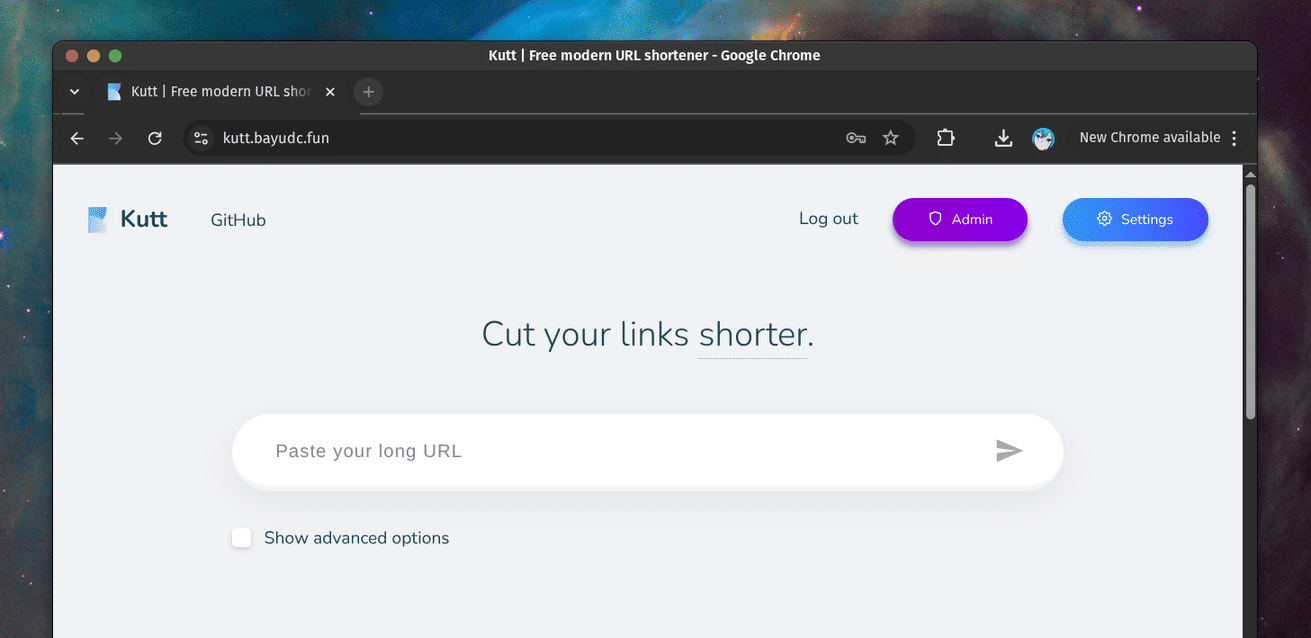
Kutt
A modern URL shortener that allows me to create and manage short links easily.
https://kutt.bayudc.fun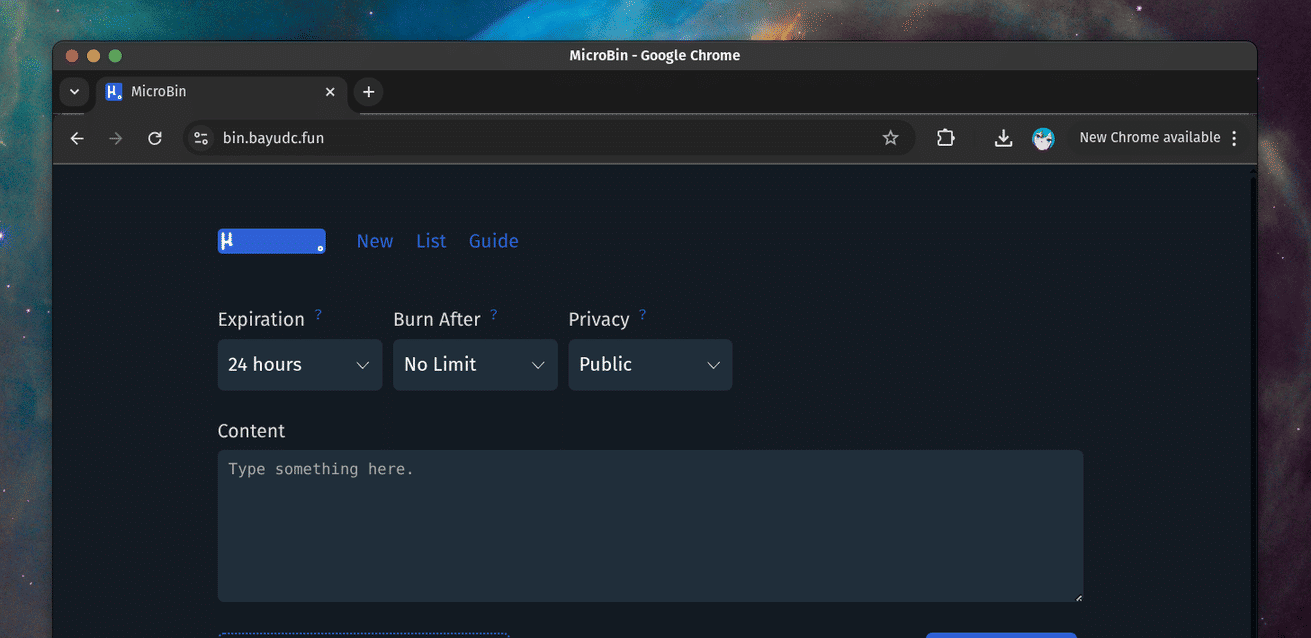
MicroBin
A minimalist pastebin service for sharing text snippets quickly and easily.
https://bin.bayudc.fun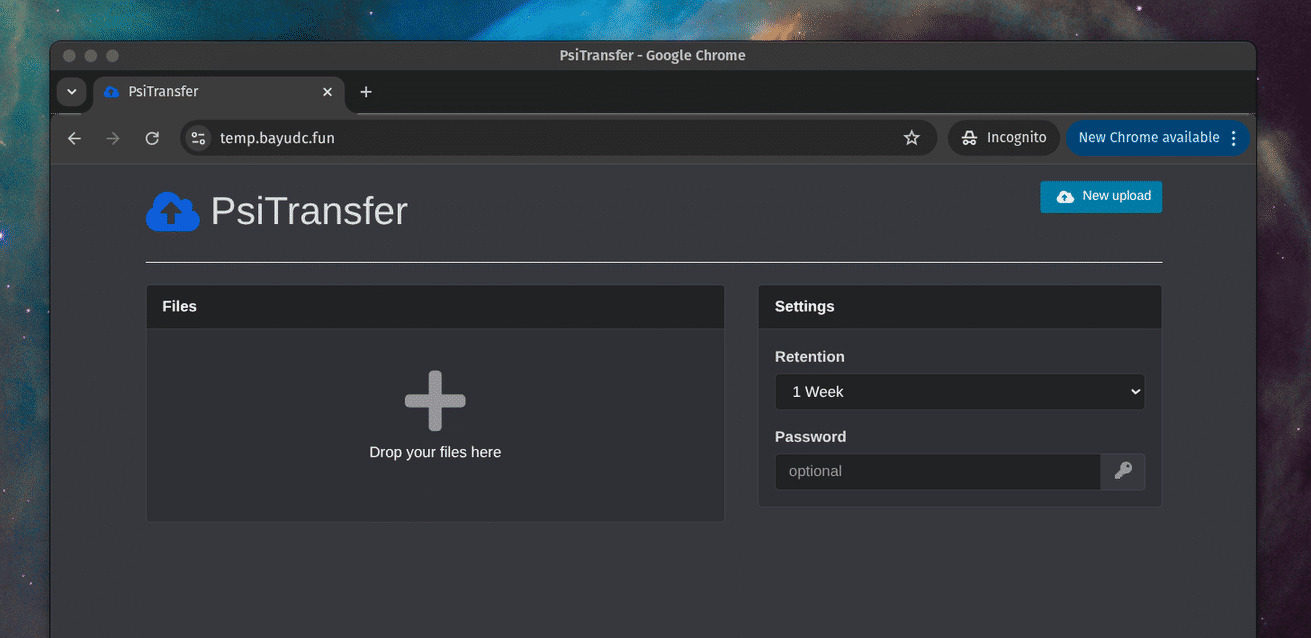
PsiTransfer
A web application for temporary file uploads, allowing me to share files quickly and securely.
https://temp.bayudc.fun